When researching ChatGPT performance issues using OpenAI’s current documentation, we found no evidence that simply having a large number of old chats in your account directly makes ChatGPT’s responses slower. OpenAI instead points to factors such as browser cache and cookies, extensions, network or VPN issues, service load, and sometimes problems isolated to a particular conversation.
OpenAI even recommends starting a new chat when a conversation becomes stuck or unusually slow.
That distinction is important.
Thredary isn’t about claiming that deleting your ChatGPT history will magically make ChatGPT faster. It provides something much more useful: a way to preserve valuable AI work locally while keeping your active AI workspace focused, organised and disposable.
Your AI conversations are becoming valuable
Perhaps they shouldn’t all have to live inside the AI service that created them.
ChatGPT has changed the way many of us work.
A conversation that begins with a simple question can develop into hours of research, software development, planning, analysis or creative work. Over time, ChatGPT stops feeling like a question-and-answer tool and starts becoming a workspace.
And that creates two separate problems.
The first is performance.
The second — and arguably the more important one — is ownership and organisation of everything you’ve created.
These problems are related, but not quite in the way people sometimes assume.
What actually causes ChatGPT to become slow?
It is tempting to assume that having hundreds or thousands of conversations in your ChatGPT account automatically makes ChatGPT slower.
There isn’t currently good evidence for making that claim.
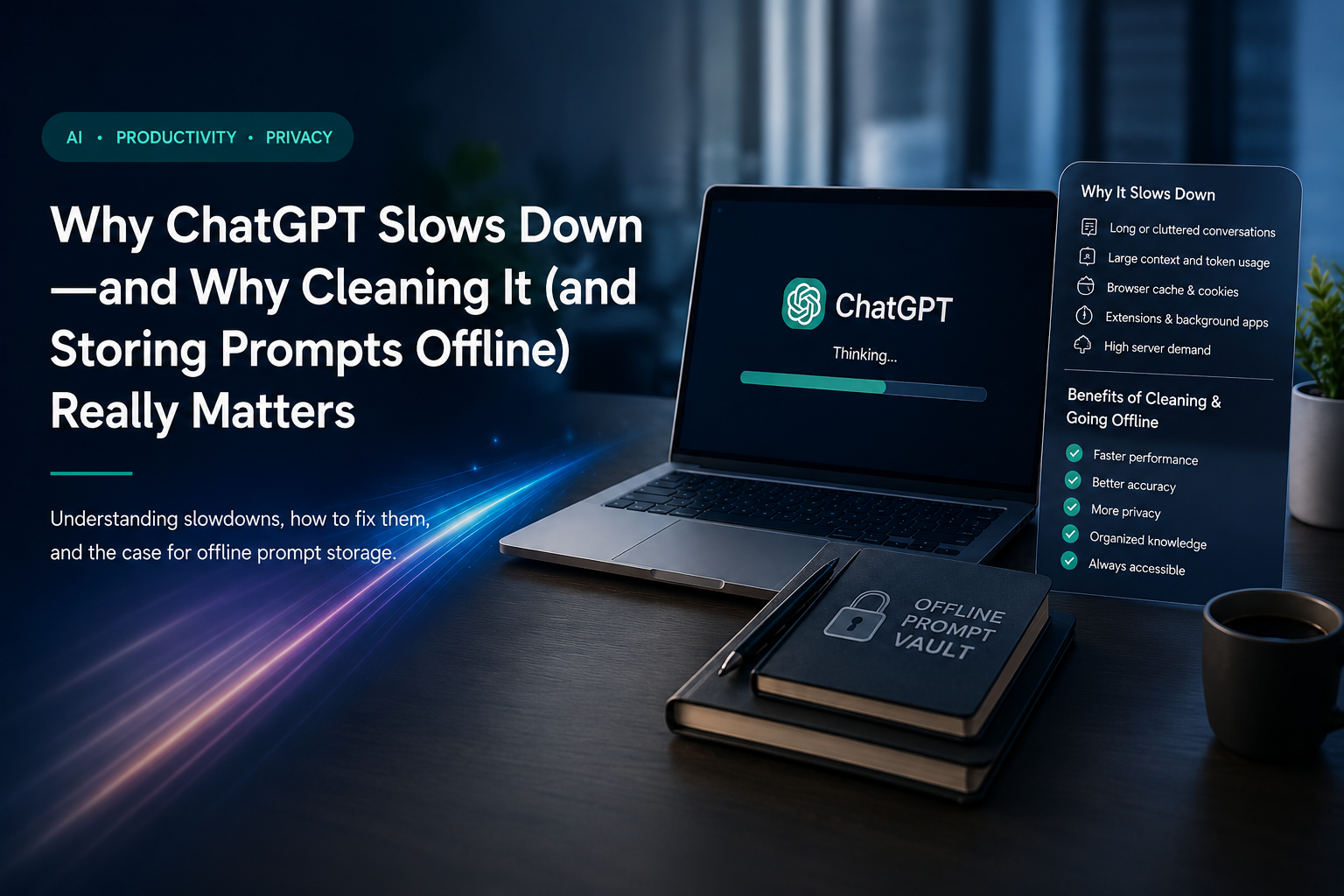
OpenAI’s troubleshooting guidance identifies several much more concrete causes of slow or unresponsive ChatGPT sessions.
1. Browser cache and stored website data
OpenAI recommends clearing browser cache and cookies when ChatGPT suddenly becomes slower than it was previously.
Modern web applications maintain considerable local state. Cached resources and stale browser data can occasionally cause unexpected behaviour.
Sometimes the problem isn’t the AI itself.
It’s the application surrounding it.
2. Browser extensions
Content blockers, privacy extensions, script managers, security software and other extensions can interfere with sophisticated web applications.
Testing ChatGPT in a private window with extensions disabled is therefore one of OpenAI’s recommended troubleshooting steps.
3. Network conditions
Every ChatGPT interaction depends on communication between your device and remote infrastructure.
VPNs, proxies, secure DNS services, unstable Wi-Fi and congested networks can all contribute to an experience that feels slow.
4. Service demand and incidents
Sometimes the slowdown isn’t on your computer.
Periods of increased demand, maintenance or infrastructure problems can affect response times. OpenAI recommends checking its service status when ChatGPT becomes unusually slow.
5. The conversation itself
This is particularly interesting.
When ChatGPT appears stuck or repeatedly fails to complete a response, one of OpenAI’s recommended troubleshooting steps is simply to start a new chat and resend the prompt.
That highlights an important distinction.
Cleaning hundreds of unrelated historical chats from your account isn’t documented as a magic performance optimisation.
But keeping your working conversations focused and being willing to start fresh conversations makes practical sense.
And that’s where a different approach to AI knowledge becomes valuable.
Your ChatGPT history isn’t really a knowledge management system
Consider what might be sitting inside your AI history after a year of serious use:
- software architecture decisions
- working code
- debugging sessions
- research
- business ideas
- carefully developed prompts
- product specifications
- meeting preparation
- writing
- marketing material
- technical explanations
- project plans
- experiments that failed
- experiments that worked
This isn’t merely “chat history.”
It is becoming part of your personal or organisational knowledge base.
Yet we continue treating it like an inbox.
We leave everything inside the AI service because deleting something feels dangerous.
“What if I need that conversation again?”
So nothing gets deleted.
The sidebar grows.
Projects multiply.
Prompts disappear into six-month-old conversations.
Useful information becomes increasingly difficult to rediscover.
The solution isn’t necessarily a bigger cloud-based conversation list.
Perhaps the better solution is separating AI interaction from knowledge storage.
Store the knowledge. Not the clutter.
This is the philosophy behind Thredary.
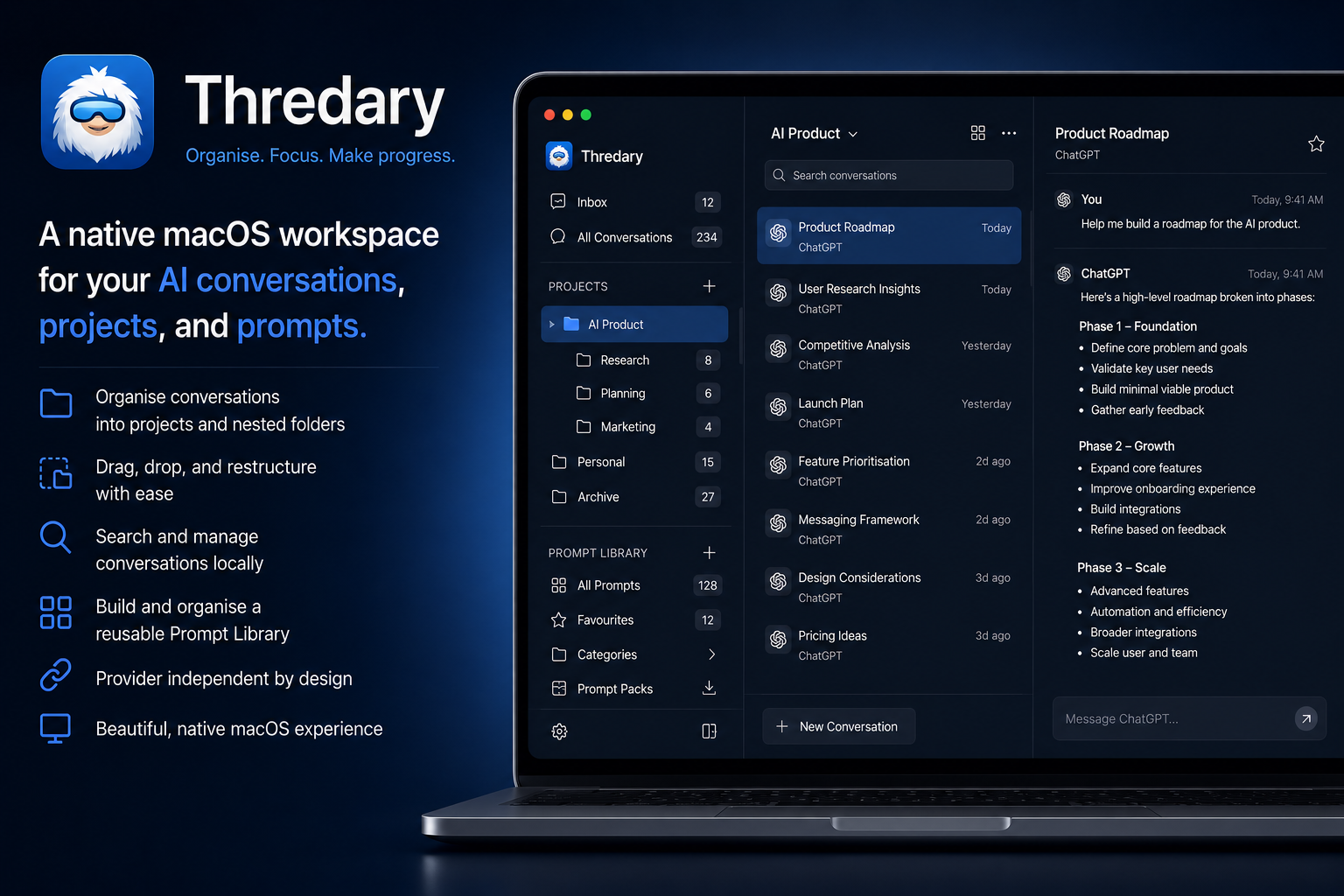
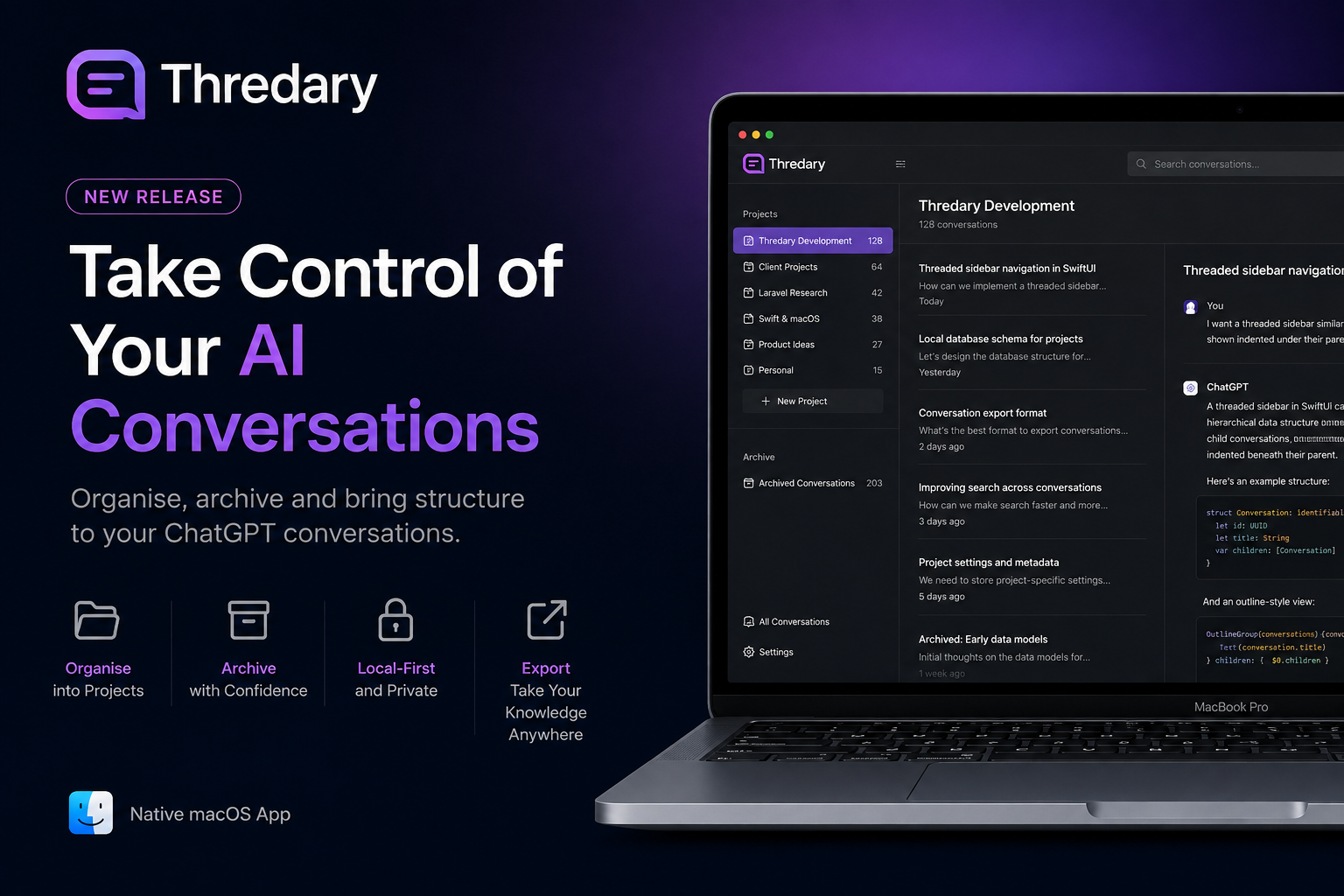
Instead of treating ChatGPT as the permanent home for everything you create with AI, Thredary provides a local workspace for organising the conversations and prompts that actually matter.
The AI service remains responsible for something it is exceptionally good at:
AI.
Your computer becomes responsible for something it is exceptionally good at:
storing and organising your information.
This creates a very different workflow.
Use ChatGPT.
Develop an idea.
Solve the problem.
Keep the valuable conversation locally.
Organise it into the appropriate project.
Save useful prompts into your prompt library.
Then decide whether the original online conversation still needs to exist.
Why offline conversation storage matters
Your useful work survives outside the chat interface
An important ChatGPT conversation shouldn’t remain valuable only because you can still find it in a sidebar.
Once stored locally, the conversation becomes part of your own organised workspace.
The useful result remains available even when you decide the original online conversation is no longer useful.
You can clean with confidence
This changes the psychology of deleting conversations.
Without a local copy:
Delete = potentially lose something valuable.
With local storage:
Delete = remove an online copy you no longer need.
That is a fundamental difference.
OpenAI states that chats remain in your account until you delete them. Deleted conversations disappear from your account immediately and are normally scheduled for permanent deletion from OpenAI’s systems within 30 days, subject to stated legal, security and de-identification exceptions.
Archived conversations, by comparison, remain stored in your account.
So archiving and deleting are not the same thing.
Your prompts deserve even better treatment
There is another type of valuable information frequently buried inside conversations:
prompts.
A carefully refined prompt can represent hours of experimentation.
Perhaps you’ve developed an excellent prompt for:
- reviewing source code
- generating unit tests
- analysing contracts
- writing product documentation
- creating release notes
- researching competitors
- generating marketing copy
- debugging Laravel
- reviewing SwiftUI
- planning projects
Why should that prompt live halfway down a conversation from four months ago?
It shouldn’t.
A prompt is an asset.
It should be searchable, categorised, reusable and independent of whichever AI provider happened to be used when it was created.
That is why Thredary treats prompts as first-class local resources rather than disposable fragments of chat history.
AI providers can change. Your knowledge shouldn’t have to.
Today you might use ChatGPT.
Tomorrow you might also use another AI platform.
The important thing is not which model generated a conversation.
The important thing is the knowledge you created while using it.
Your project structure shouldn’t have to belong to an AI provider.
Neither should your prompt library.
Neither should the conversations you have deliberately decided are worth keeping.
A local, provider-independent layer gives AI users something that conventional chat history doesn’t:
continuity.
Models change.
Services change.
Subscriptions change.
Interfaces change.
Your knowledge remains yours.
Local storage also changes availability
Cloud AI is extraordinarily convenient, but cloud services are still cloud services.
They require infrastructure, authentication and usually an internet connection.
A locally maintained workspace gives you another layer of resilience and control.
Your saved knowledge doesn’t need to disappear from reach simply because an AI service is temporarily unavailable.
You can still organise it.
Search it.
Review it.
Reuse prompts.
Work with project material.
The AI provider becomes a tool connected to your workspace rather than the workspace itself.
So should you delete all your ChatGPT conversations?
No.
There is no technical justification for claiming that everyone should regularly delete their entire ChatGPT history to make ChatGPT dramatically faster.
Instead, adopt a more deliberate approach.
Keep active conversations where they are useful.
Archive conversations you still want retained by ChatGPT but don’t want cluttering your immediate view.
Store genuinely valuable conversations and prompts locally.
Delete online conversations you no longer need when you are confident the information you care about has been preserved.
And periodically start fresh conversations rather than allowing every project to become one enormous, never-ending thread.
The objective isn’t simply to have fewer conversations.
It is to stop depending on your conversation history as your knowledge-management system.
The bigger idea: AI should not own your workspace
The first generation of consumer AI taught us to put everything into a chat box.
The next step is learning how to manage everything that comes back out.
A conversation isn’t necessarily disposable simply because it happened in a chatbot.
A prompt isn’t merely text.
A useful AI conversation can represent intellectual property, research, decisions, discoveries and hours of work.
Those assets deserve organisation beyond a scrolling conversation history.
This is the problem Thredary is designed to address.
Chat with AI online.
Keep what matters offline.
Organise conversations around your projects.
Build a reusable prompt library.
Clean up your online AI workspace without throwing away the knowledge you’ve created.
The future of productive AI use isn’t about accumulating more conversations.
It’s about owning, organising and reusing the valuable ones.
Take control of your AI workspace
Thredary gives your important AI conversations and prompts a permanent, organised home on your Mac.
Keep the knowledge that matters. Organise it around your projects. Build a reusable prompt library. And remain free to clean up your online AI workspace without losing the work worth keeping.
Your AI provider is where you have the conversation.
Thredary is where you keep the knowledge.
Sources and further reading
OpenAI’s troubleshooting documentation recommends clearing browser cache and cookies, checking service status, testing another browser, disabling extensions and investigating network or VPN issues when ChatGPT becomes slow. It also recommends starting a new conversation when a particular chat appears stuck.
OpenAI states that chats are retained until manually deleted. Deleted chats are removed from the account immediately and generally scheduled for permanent deletion within 30 days, subject to specified exceptions. Archived conversations remain stored.
OpenAI also provides an account data-export mechanism that includes chat history. While useful as a backup mechanism, exporting account data is very different from maintaining an organised, searchable local workspace for conversations and prompts.
Users can additionally control whether their conversations are used to improve OpenAI’s models through ChatGPT’s Data Controls.